bur1alrites
- Period
- 2026
- Contribution
- Design and development
- Status
- Live client portfolio

A video-led portfolio for Allie's live lighting work, combining a reactive 3D environment, a projector room, and an automated media-processing pipeline.

Translating Allie's work into a website
My friend Allie creates real-time, audio-reactive lighting for events. She wanted a site that responded like her shows: an environment visitors could affect, rather than a static collection of clips. Her work inspired a response driven by video brightness, pointer movement and clicks.
Allie chose the typeface and supplied visual references. I designed and developed the interface, Three.js scenes and media pipeline around that starting point.
Building the reactive scene
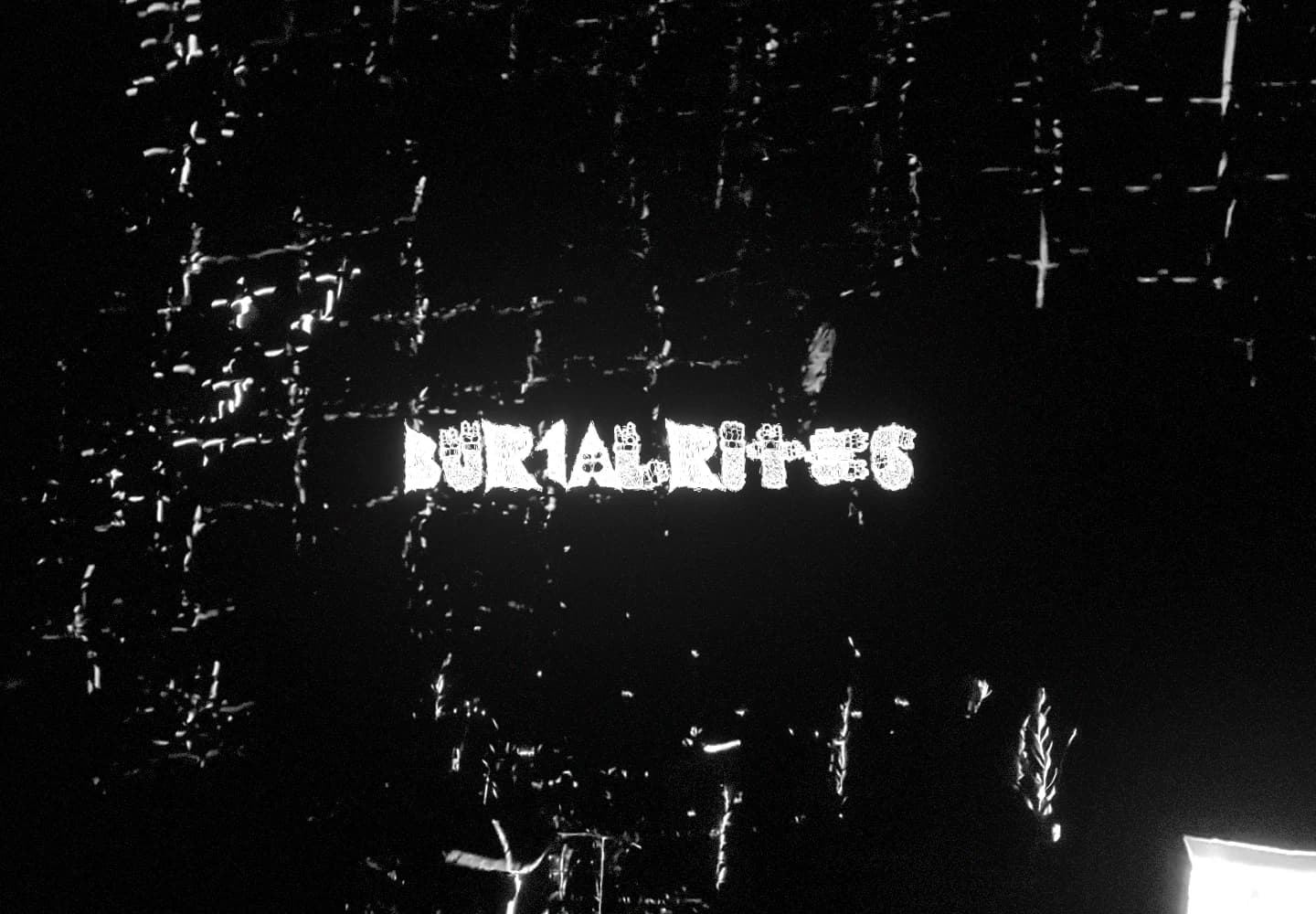
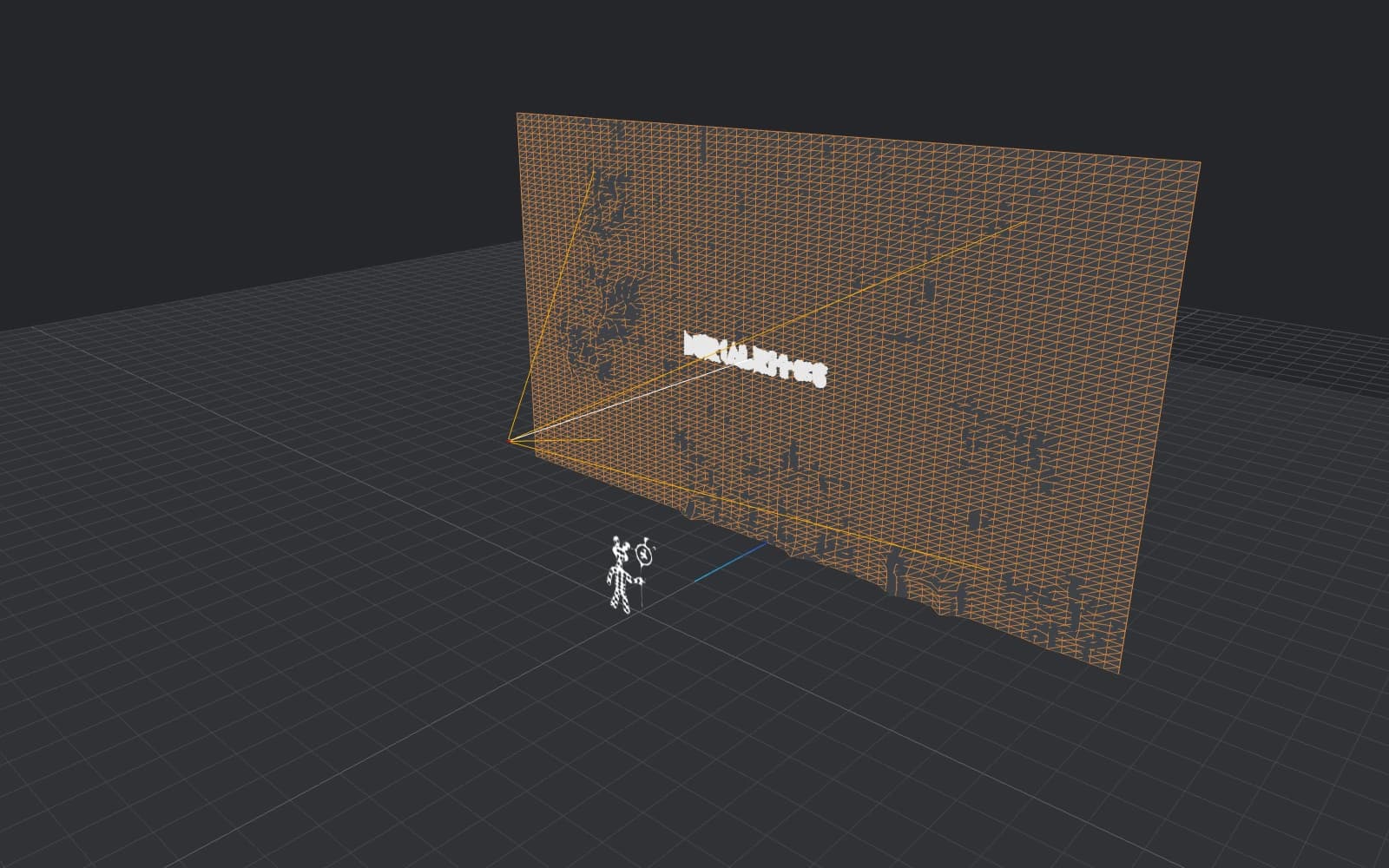
I used Three.js through React Three Fiber to give the background real depth. The video plays on a subdivided plane behind the wordmark. A vertex shader converts the video's colour samples into linear-light luminance, then smooths neighbouring samples so fine detail does not turn into a jagged surface. That smoothed brightness pushes the mesh forward: highlights lift while dark areas stay flat.
Pointer input modifies that same relief. I raycast the pointer onto the video plane to locate the interaction within the image, then ease in a soft, local amplification around it. A click sends an expanding, fading ring out from that point. Both effects multiply the brightness-driven displacement rather than adding an unrelated distortion, so the footage still determines the surface's shape. The camera also drifts with the pointer, creating parallax between the background, floating wordmark and foreground objects.
Presenting video spatially
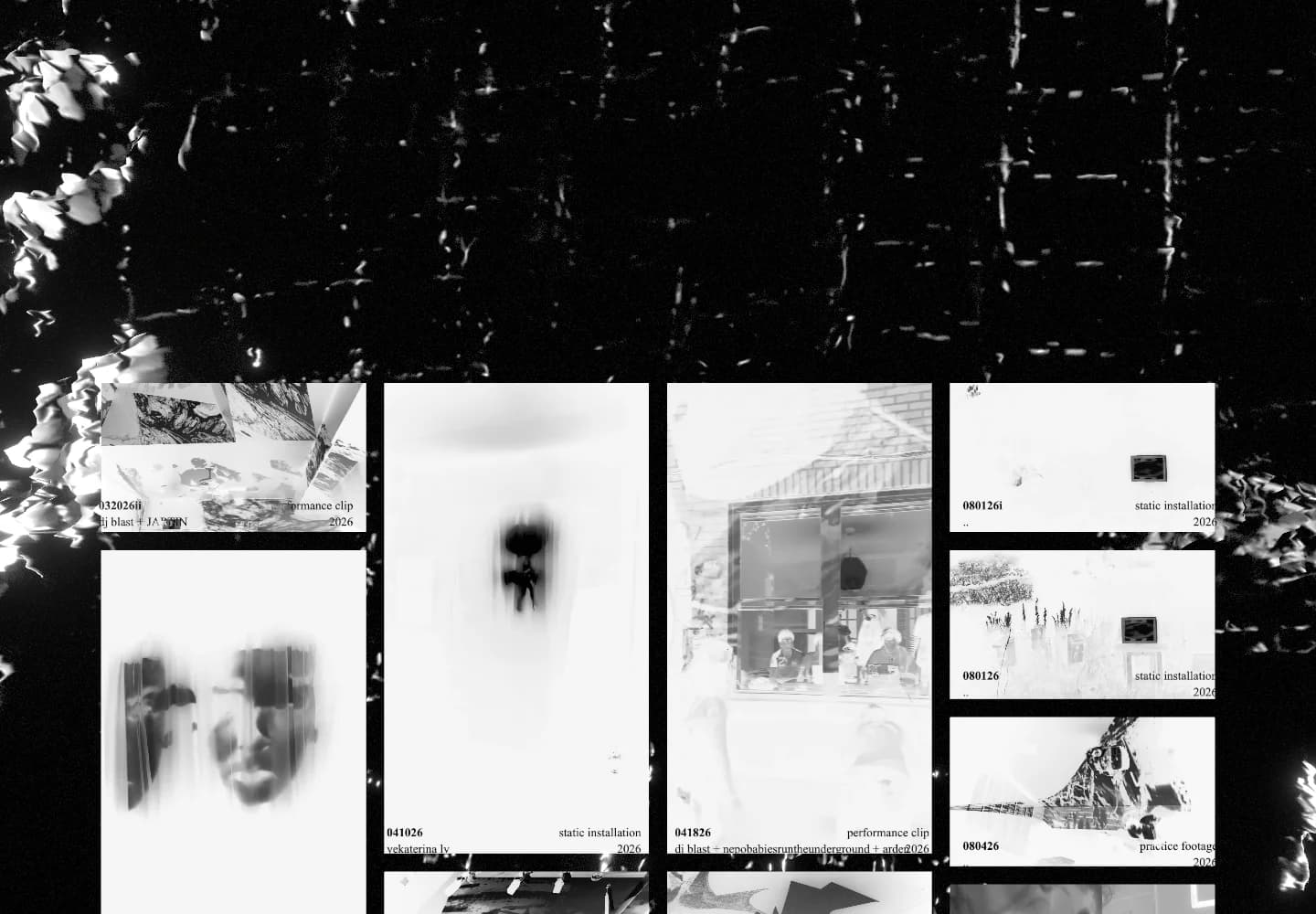
The desktop gallery introduces spatial depth before a visitor enters the projector room. Its preview planes sit in front of the background, so camera movement produces parallax between them. Inverted previews reveal their colour and play on hover or keyboard focus; choosing a clip opens that video in the room.
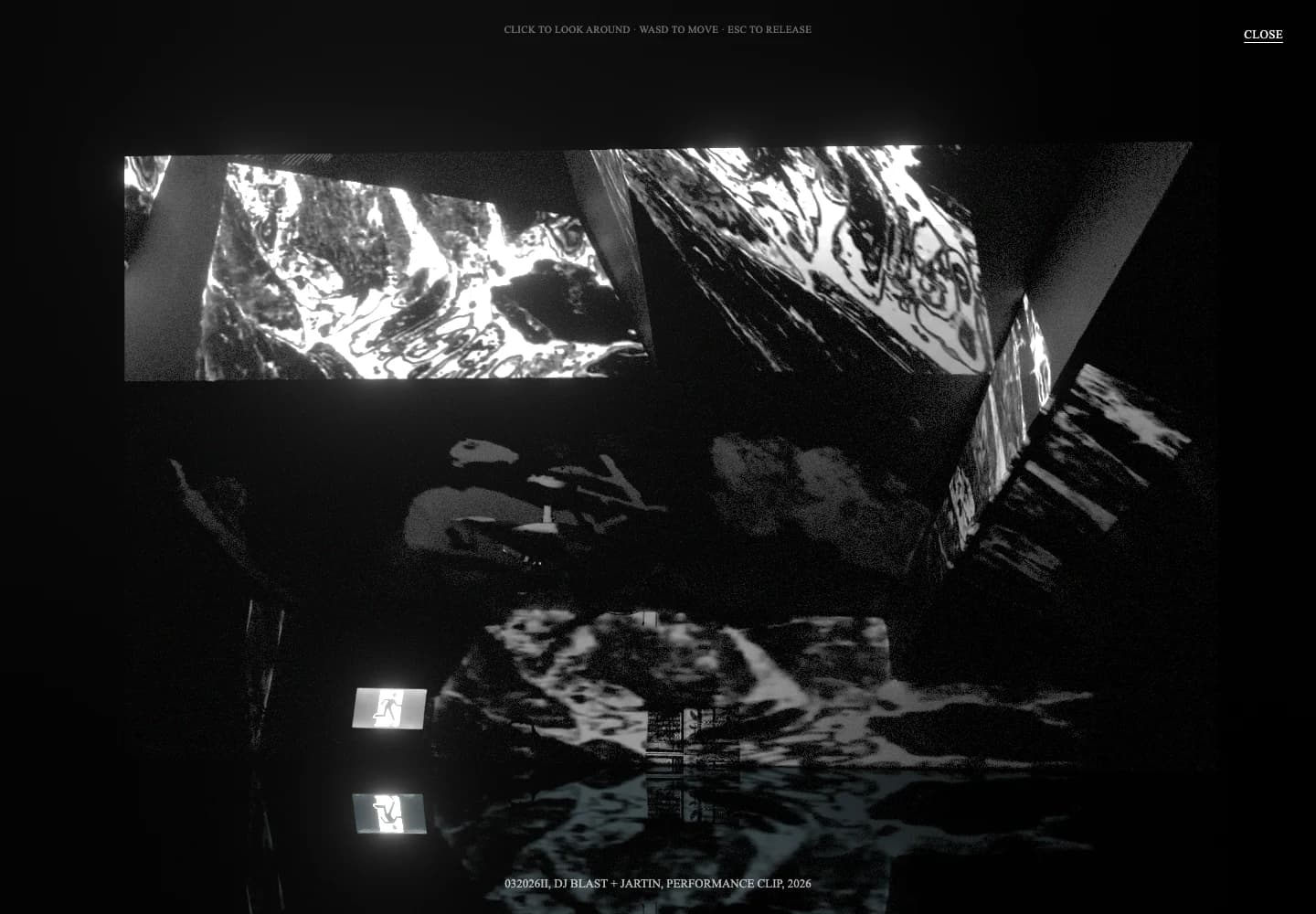
The room makes the footage a source of light within a space, echoing how Allie's lighting changes the environment around it. Unlike the reactive background, its screen stays flat. I downsample video frames to an 8 × 8 image and average their colour and luminance, then ease the room light towards those values. The floor reflects the screen, while boosted highlights and bloom let its glow extend beyond the image. On desktop, visitors can also click to look around and use WASD to move through the room.
The supplied footage was heavily compressed. I used animated grain to make the artifacts less conspicuous and give the projection a texture that suited the material. The noise changes over time inside the screen's material shader, working with the source rather than presenting it as a pristine digital screen.
On mobile, visitors browse the same archive in a responsive grid. Tapping a clip plays or pauses it inline, revealing its colour; starting another stops the previous preview. Gallery taps keep visitors on the page rather than opening the projector room. The reactive opening scene remains available when WebGL and the visitor's motion preference allow it.
Managing video and rendering costs
Video decoding and the 3D scene compete for browser resources. A viewport pool preloads previews in and just outside the viewport at the lowest HLS rendition, with a short buffer. On desktop, the active preview is the hovered or keyboard-focused card: only that gallery video plays and uploads frames to its scene texture. Inactive previews stop buffering after their first frame is ready, and scrolling cards out of the preload area releases their streams and video resources. Opening the projector room also pauses the background video and freezes the covered scene's render loop.
Rapid scrolling creates an ownership problem: a stream can finish attaching after its card has left and returned with a new player. The viewport video pool checks instance identity before accepting that completion and destroys stale controllers. Its lifecycle regression test recreates that sequence and checks that the old controller is destroyed while the replacement remains alive.
Playback lifecycle checks
Recovery is bounded: an active preview gets at most two delayed automatic retries, with a stalled stream replaced if playback stops progressing. Leaving the preload area or hiding the page cancels pending work. Autoplay denial does not start a retry loop, and posters stay visible until playback presents a frame. The same pool handles inline mobile previews; tests also cover rapid leave and re-entry while a play promise is pending.
Adaptive scene quality
A separate quality controller responds to sustained frame times by reducing pixel ratio, reflection resolution and bloom work. It waits longer before upgrading than downgrading: a brief improvement should not immediately raise quality and trigger another slowdown. The lowest preset also stops video-colour sampling for the room light, retaining a dim baseline instead.
The linked source and tests are pinned to the October implementation. Mocked playback and synthetic-frame tests check lifecycle and quality policies, not real-device codec support or GPU performance.
Publishing and maintaining the work
Next.js keeps public pages and admin routes in one app. Allie can upload MOV or MP4 masters through multipart transfers to R2. A separate FFmpeg worker prepares HLS playback renditions and posters while preserving the masters, so she does not have to prepare browser-ready versions by hand. Failed parts and finalization can be retried while the page stays open; upload sessions are not restored after a reload.
This was my first Three.js project. The central lesson was that the scene and its media players could not be designed separately: deciding which video owned a texture, when it could play and when to release it became as important as building the scene itself.